A calmer inbox for Android
Your email.
Without the distractions.
A clean, ad-free app for your Gmail and Google Workspace accounts. Read, reply, and stay organized in one quiet inbox.
App preview
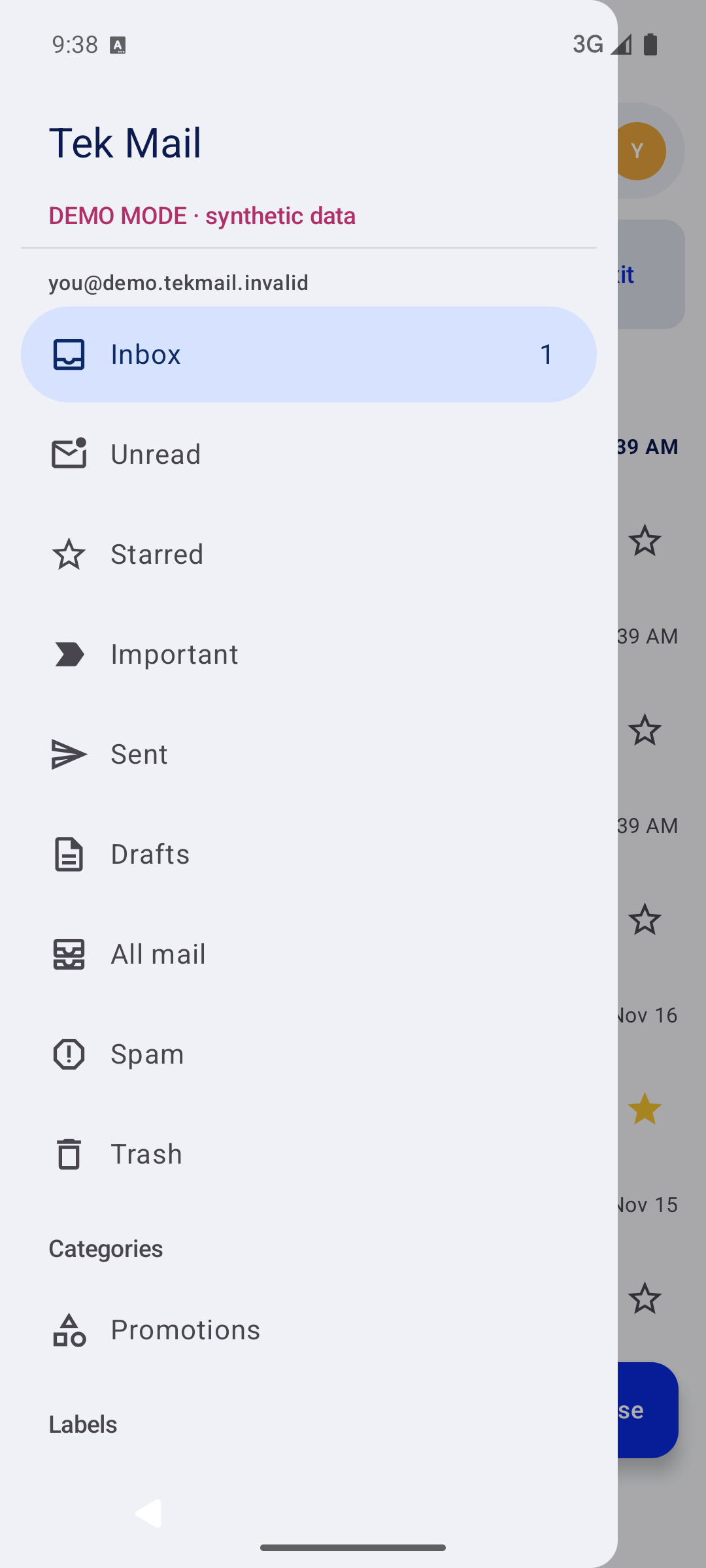
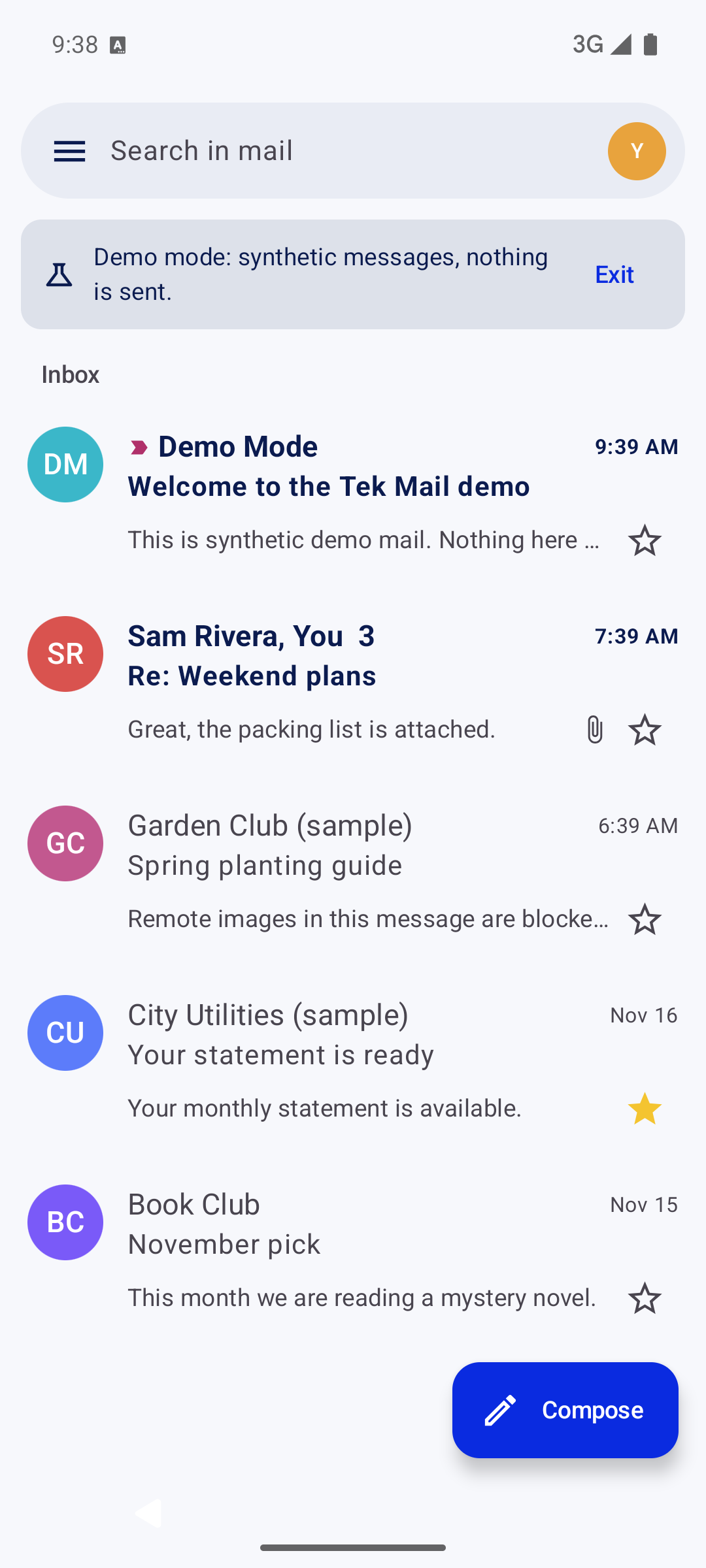
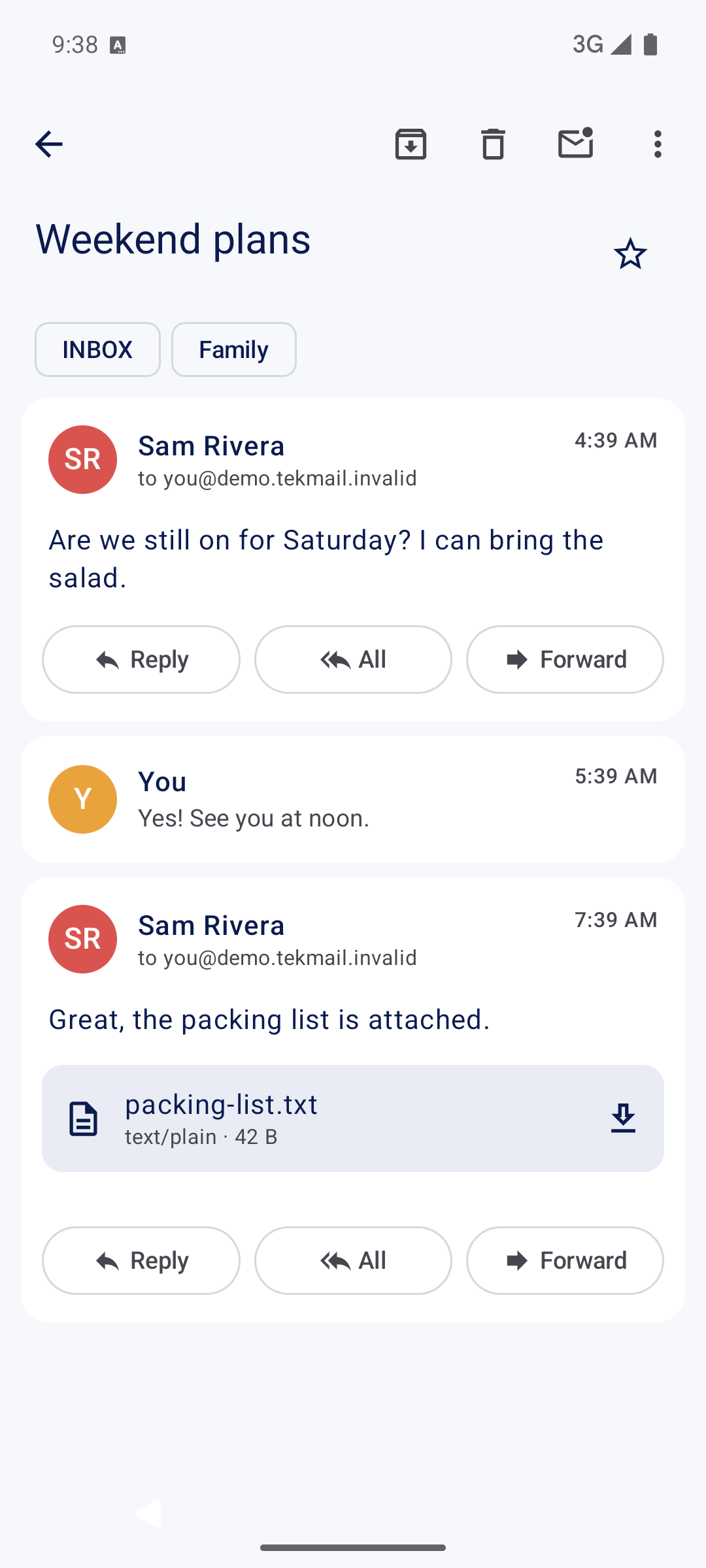
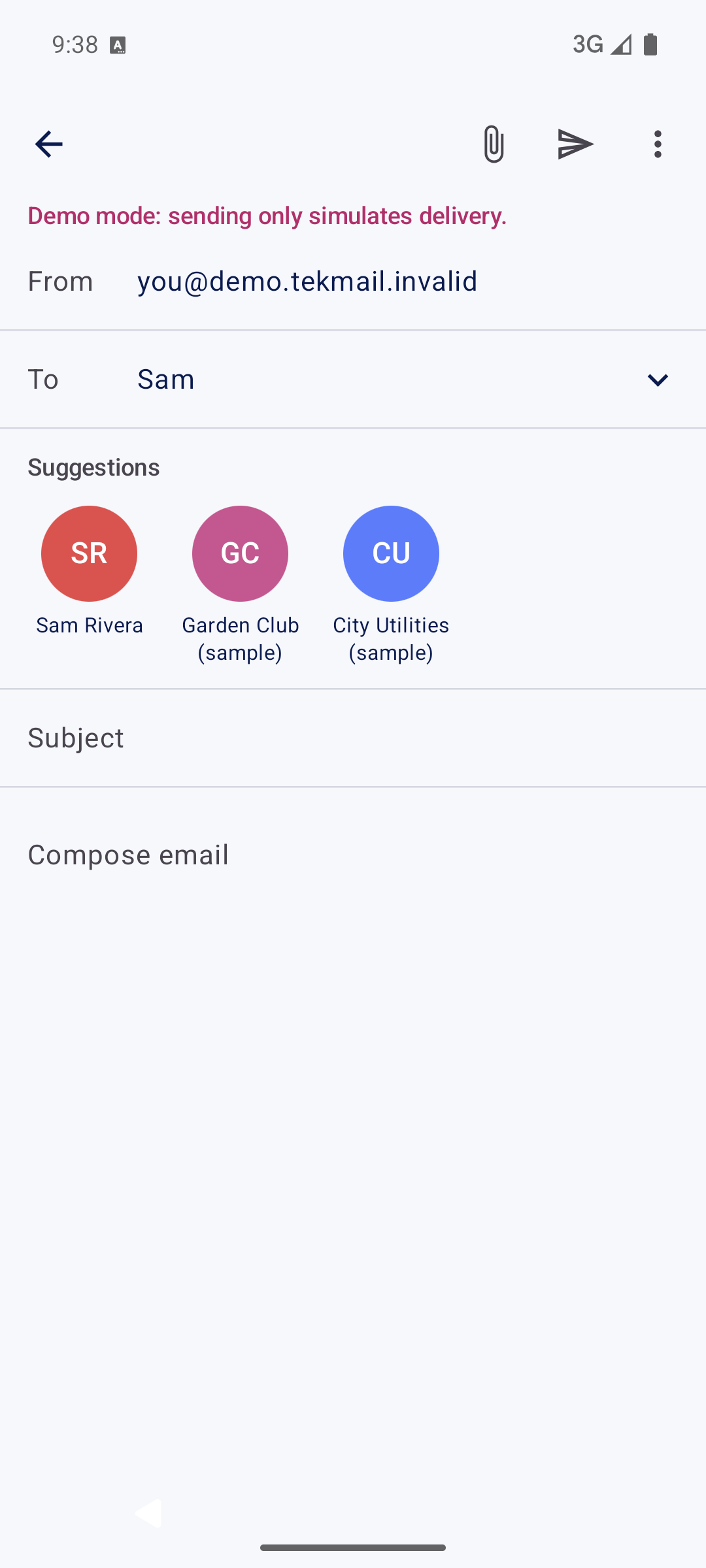
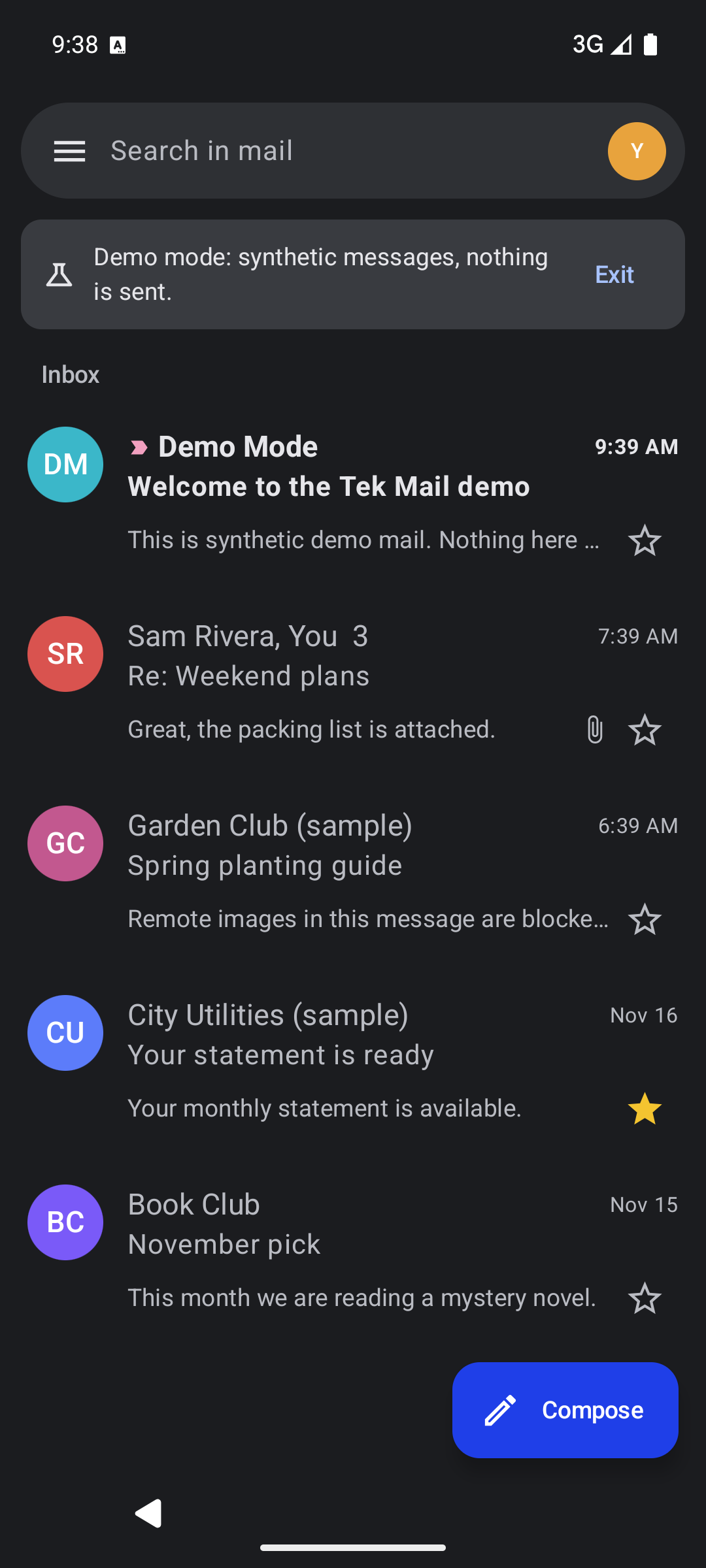
Screens from the app’s demo mode, using sample messages.
Email without the ad placements
No sponsored rows mixed into your inbox and no advertising SDKs in the app.
Your accounts, easier to manage
Personal and work accounts side by side, with unread counts and a combined inbox.
A familiar inbox, less clutter
Conversations, stars, labels and swipes work the way you expect. Nothing extra is added.
Features
Everything you need to get through your inbox.
Several accounts, one inbox
Add personal Gmail and Workspace accounts, switch with a tap, or read them together in All inboxes.
Search that reaches your whole mailbox
Search runs on Gmail, so it finds mail beyond what is on your phone. Offline, it searches what is cached.
Your labels and categories
Your Gmail labels, nested labels and categories appear in the menu, ready to filter or apply.
Swipe actions with undo
Choose what a swipe does, then take it back within ten seconds if you change your mind.
Reply, forward and attach
Replies stay in the same Gmail conversation. Attach files up to 25 MB and open the ones you receive.
Drafts and signatures
Drafts save as you type and sync to Gmail. Each account can have its own signature.
Read and write offline
Messages you have already loaded stay readable offline. Mail you send waits in the Outbox and goes when you reconnect.
Notifications you control
Per-account notifications, with an option to hide sender and subject. Checks run about every 15 minutes, not instantly.
Privacy
An inbox that respects your space.
Tek Mail is a client, not a mail service. It connects your phone to Gmail and nothing else.
Read the privacy policyNo ads, analytics or tracking
No advertising ID, tracking SDKs or AI processing. Nothing is sold or shared.
Google handles sign-in
You approve access on Google’s own screen. The app never sees your password and does not store access tokens.
No Tek Mail server
Mail goes straight between your phone and Gmail. A cache is kept in the app’s private storage and excluded from backups.
Remote images blocked by default
Images that can reveal when you opened a message load only when you ask. Lock-screen notifications hide sender and subject.
Get started
Install Tek Mail in three steps.
- Download the APKTap the button on your Android phone. The file is 2.4 MB.
- Install itOpen the downloaded file. Android may ask you to allow installs from your browser or file manager. Allow it for this install, and turn it off again in Settings afterwards if you like.
- Connect your accountOpen Tek Mail and choose Connect Gmail or Google Workspace, then approve on Google’s screen. Not a tester yet? Choose Try demo mode.
- Version
- 0.1.3
- Released
- 16 November 2026
- Requires
- Android 8.0 or newer
- Size
- 2.4 MB
- Build
- Signed release
22b451867c7bab247b81fb9ce490f3db04b248424cc77cedf560127315019375Tek Mail is in early access. Updates are installed the same way, over the current app.
Questions, answered.
What is Tek Mail?
An Android app for reading and sending email from Gmail and Google Workspace accounts. It shows your existing mailbox without ad placements.
Which email accounts does it support?
Gmail and Google Workspace accounts. Outlook and other providers are not supported yet.
Does it replace my email address?
No. Your address, mail and storage stay with Google. Tek Mail is a different way to use them on your phone.
Is the app ad-free?
Yes. There are no ads, sponsored inbox placements, analytics or tracking in the app.
Will promotional emails still appear?
Yes. Newsletters and offers that companies send you are real email. Filter them, use the Promotions category, or unsubscribe to stop them.
Does adding accounts give me more storage?
No. Each account keeps its own Google storage limit. Showing them together does not combine quotas.
How do I install the APK?
Download the file on your phone, open it, and allow your browser or file manager to install apps when Android asks. You can turn that permission off afterwards.
How are my account and messages handled?
You sign in on Google’s own screen, so Tek Mail never sees your password. The app talks directly to Gmail and keeps a cache on your phone. There is no Tek Mail server.
Can anyone connect a Gmail account?
Not yet. While Google reviews the app, only invited testers can connect a real account, and Google asks testers to reconnect every 7 days. Anyone can explore demo mode with sample mail.
How do updates work?
Download the newer APK from this page and install it over the current app. Your accounts and settings are kept.